You will love Imagus mod in Pure Blog - and elsewhere
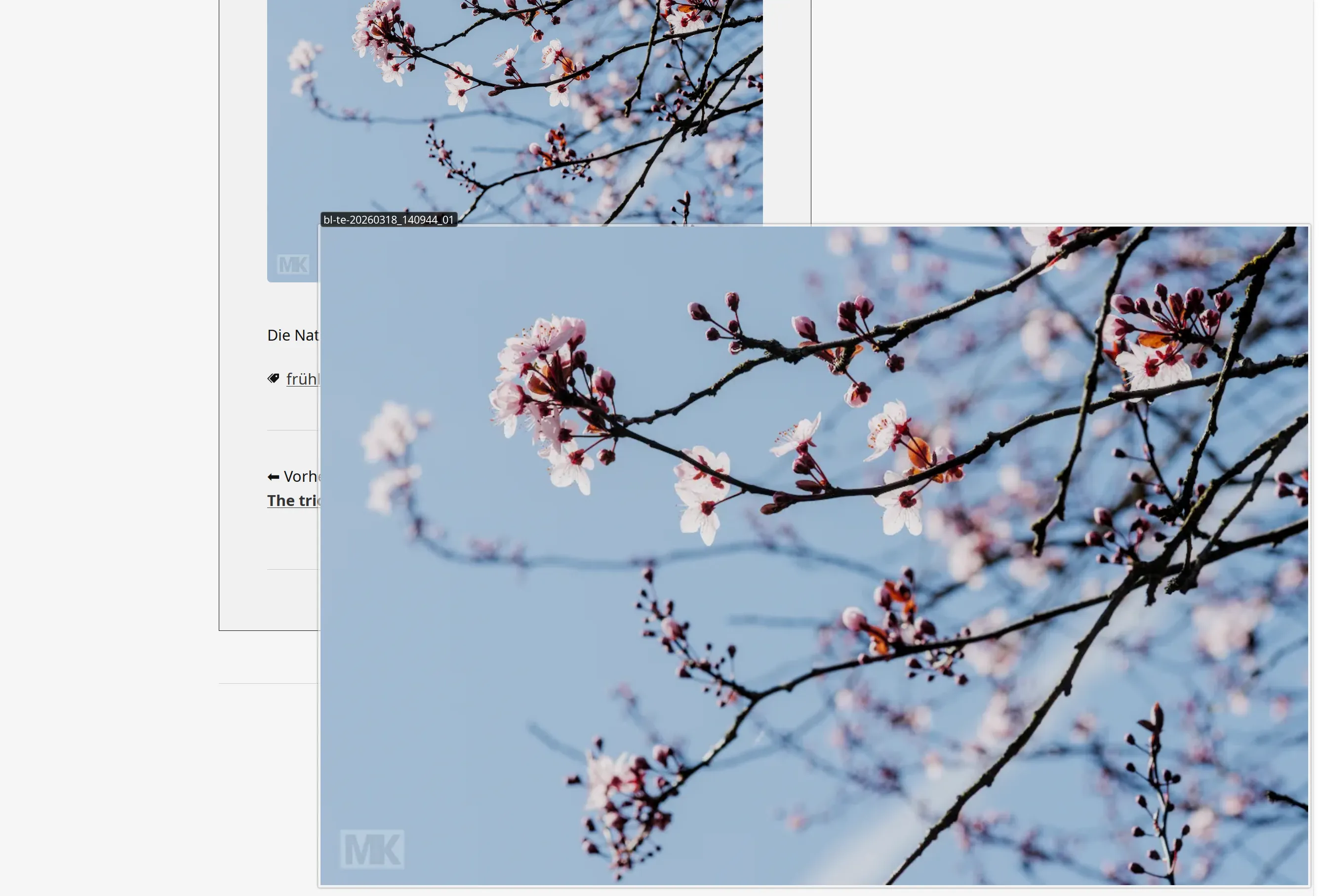 Imagus mod at work. Example from my blog here. When in this view, pressing "o" will open that image in a separate tab - for further processing or whatever.
As images appear on Pure Blog as they are - in their container, in exactly that size -, they may look a bit puny. The 📷 photog in me says: They deserve a litte more justice done to them and a little more love too. ❤️
There is no quick solution (simple lightbox or something) in sight - I believe -, but there is a remedy. On my PC in FF I always have an extension installed which is called Imagus mod. You will find it in the extension repository as usual. More info on Reddit. There is a version for chrome available as well.
Oh, and as I just saw a brandnew Imagus Reborn has been uploaded to Github a week ago. But haven't checked it yet myself.
With a simple mouse-over you can enlarge and display images/videos from links. Now with optional permissions, more features.
What it does: It enlarges the image you are hovering over to its real size. Actually it can do a lot more. It is worthwhile to have a look at all the options...
It does so when hovering and pressing the Control key. Or a different one if you prefer.
All in all: Not perfect, but IMHO better than the status quo.
The deault setting is, that it always enlarges when hovering a photo. Even when the defined key is not pressed. But I do not recommend that. It will drive you crazy. :-)
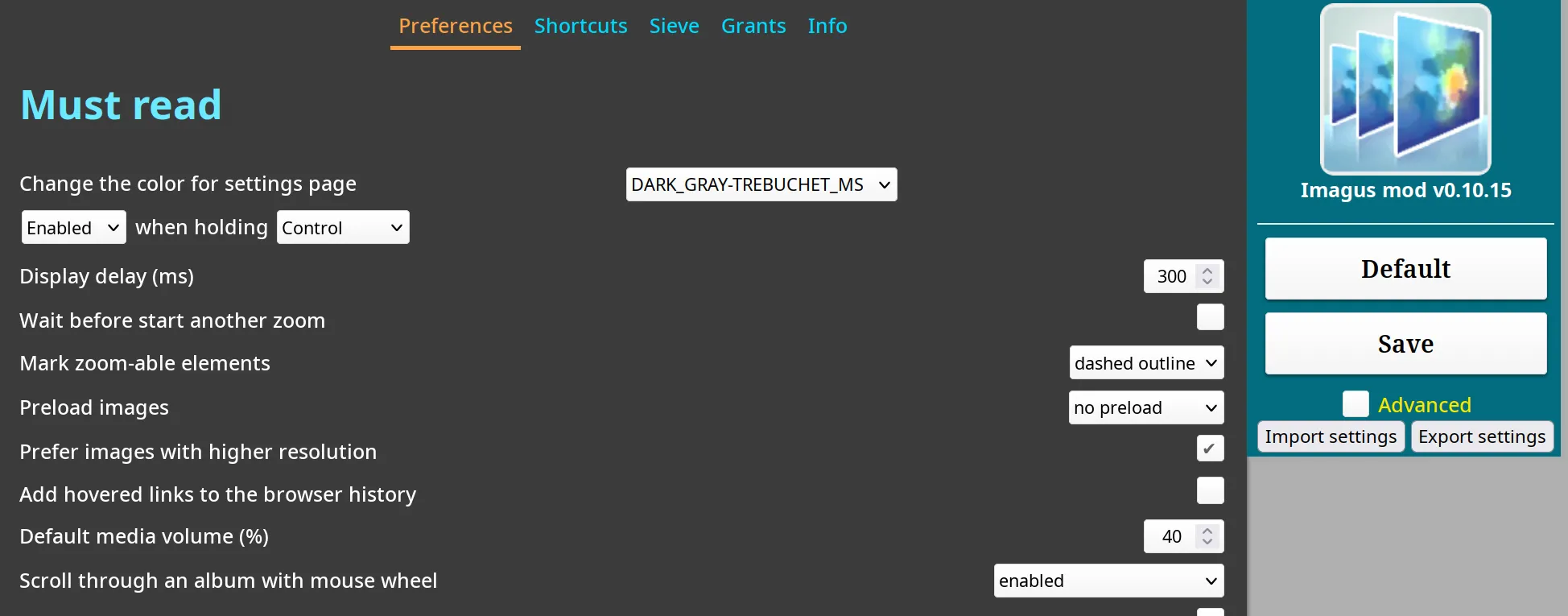 Part of the settings for Imagus mod. After any changes do not forget to press "Save" on the right.